Do You Need a UPS for a Laptop in Pakistan? 5 Hard Truths
LaptopRadar is reader-supported. When you buy through links on our site, we may earn an affiliate commission at no extra cost to you. It never affects our scores. Learn more
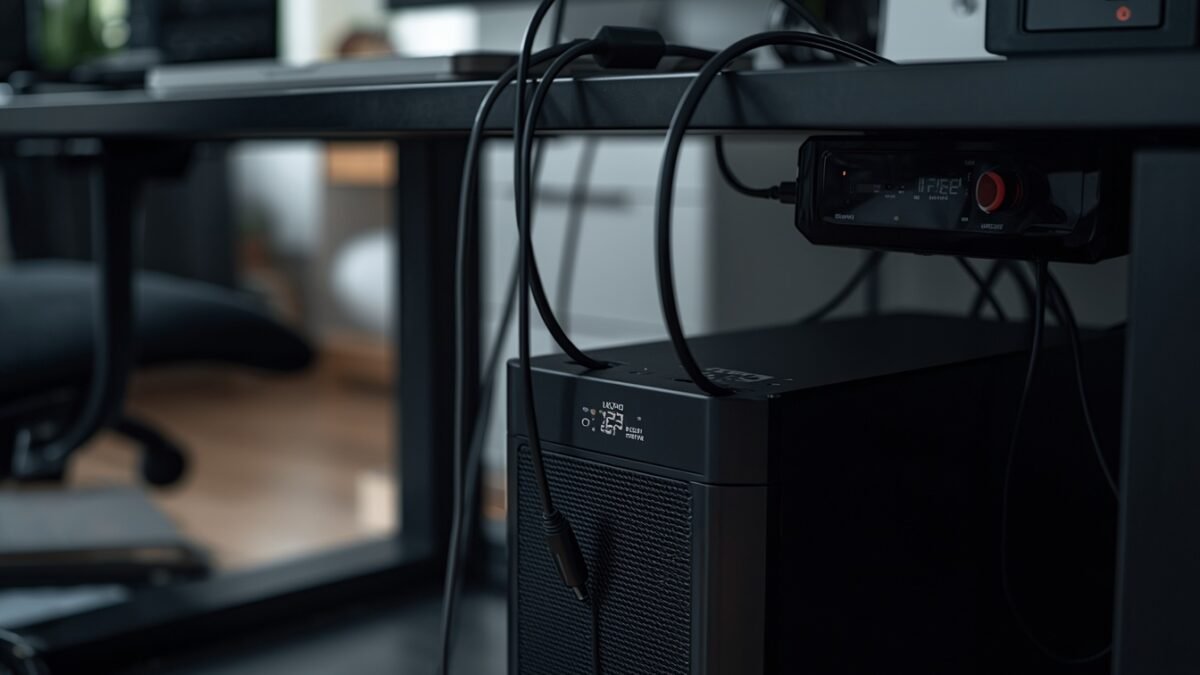
Do You Need a UPS for a Laptop in Pakistan?
A laptop has its own battery, which is essentially a built-in UPS. So the honest answer for most people is no, not for the reason they think. But there is a real problem in Pakistan that a UPS does not solve and something else does.
Why a laptop does not need backup power
When mains power cuts, the laptop switches to its internal battery instantly with no interruption. That is the entire purpose of the battery.
Buying a UPS to keep a laptop running during load shedding duplicates hardware you already own. The money is better spent elsewhere.
The actual risk: voltage fluctuation
The real danger to laptops in Pakistan is not power going out. It is unstable voltage when power comes back.
Voltage spikes when supply is restored after load shedding are common and can damage the charger, the charging circuit on the motherboard, or both. This is the failure mode that turns into an expensive repair.
What protects against that
A voltage stabiliser regulates incoming voltage to a safe range. This is the most directly useful device for laptop protection in Pakistan and costs far less than a UPS.
A surge protector absorbs short spikes. Cheap power strips labelled “surge protector” often contain nothing useful, so look for a specified joule rating.
A UPS with AVR includes automatic voltage regulation alongside battery backup. This is worth considering if you also run a desktop, router, or monitor.
When a UPS genuinely makes sense
You run other equipment. A router and modem on a UPS keeps your internet alive during outages, which matters if you work remotely. The laptop stays on regardless, but without internet it is not much use.

You use an external monitor. Monitors have no battery. A UPS keeps the display alive so your work is not interrupted.
Your laptop battery is dead. If your battery has failed and you run on mains only, a UPS becomes essential since any cut means an instant hard shutdown.
You run a desktop alongside. Then you needed a UPS anyway and adding the laptop charger costs nothing.
Sizing a UPS if you buy one
Add up the wattage of everything you want to connect. A laptop charger is typically 65W. A router is 10 to 20W. A 24-inch monitor is 20 to 40W.
A small UPS in the 600 to 1000 VA range handles this comfortably. Remember that VA and watts are not the same. A 1000 VA unit typically supplies around 600W of real load.
Inverter type matters
Cheap UPS units produce a square or modified sine wave output. Laptop chargers are switching supplies and are generally tolerant of this, but it stresses them over time and can cause audible buzzing.
Pure sine wave units cost more and are gentler on electronics. If you plan to run sensitive equipment continuously, the upgrade is worth it.
A cheaper approach that works
For most laptop users, a good voltage stabiliser plus keeping the laptop battery in healthy condition covers the realistic risks. Add a UPS only for the router if internet continuity matters.
This costs a fraction of a full UPS setup and addresses the actual failure mode.
Protecting the charger itself
Chargers fail more often than laptops in unstable-power areas. Unplugging the charger from the wall during extended outages avoids the restoration spike entirely, and costs nothing.
If you leave the laptop charging unattended overnight, a stabiliser is sensible insurance.
Frequently asked questions
Can I charge my laptop from a UPS? Yes. Laptop chargers work normally on UPS power. Be aware that charging draws steady current, which shortens UPS runtime for other connected devices.
Will a UPS extend my laptop’s battery life? Not directly. It may reduce exposure to voltage spikes, which protects the charging circuit, but it does not slow battery capacity degradation.
Is a solar or inverter system relevant here? Home inverter systems already provide regulated backup power to wall sockets. If you have one, a separate UPS for the laptop is redundant. Check whether your inverter produces pure sine wave output.
What about using a power bank instead? USB-C Power Delivery power banks rated 65W or higher can charge modern USB-C laptops directly. This is more portable and more useful than a UPS for many people, provided your laptop supports USB-C charging.
Buy a voltage stabiliser first. It addresses the real risk at a fraction of the cost of a UPS.


Ask a question or share your experience