Why Is My Laptop So Slow All of a Sudden? 8 Hidden Causes
LaptopRadar is reader-supported. When you buy through links on our site, we may earn an affiliate commission at no extra cost to you. It never affects our scores. Learn more
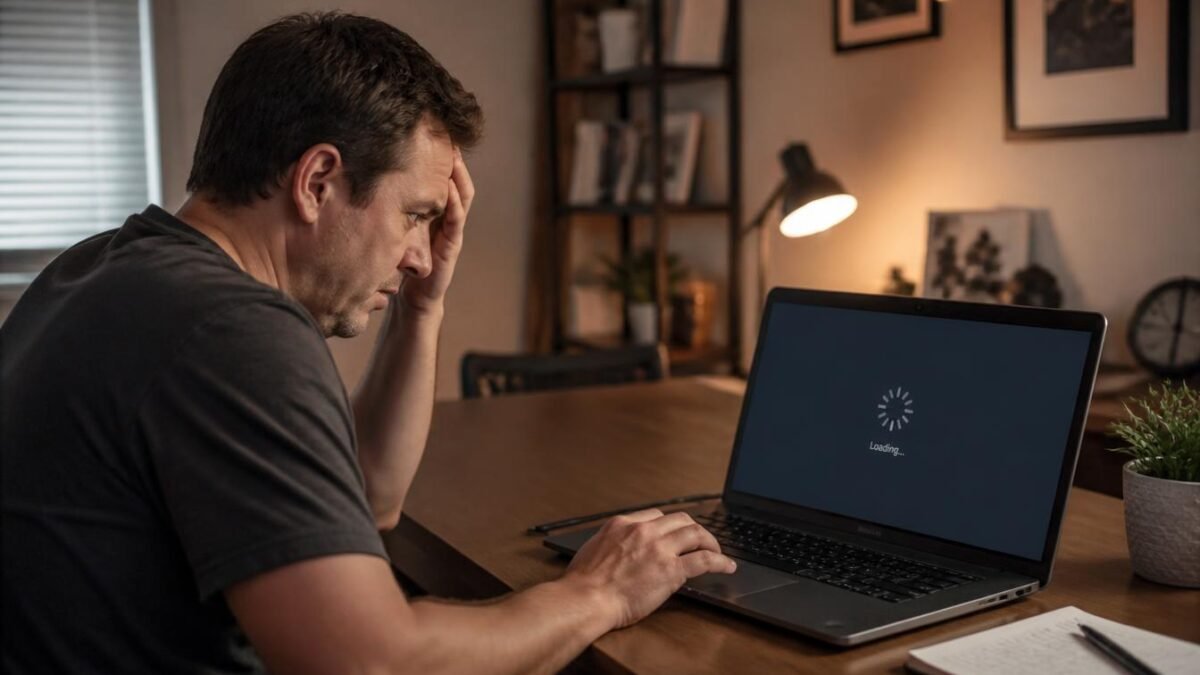
Why Is My Laptop So Slow All of a Sudden?
When a laptop slows down gradually over years, that’s normal wear. When it happens in a week, something specific changed. These are the causes worth checking, in the order they’re most likely.
1. Your storage drive is nearly full
Windows needs free space to handle virtual memory and temporary files. Below 10 percent free, performance collapses.
Open File Explorer and check your C: drive. If it’s in the red, run Disk Cleanup and delete the Windows Update cleanup files — these alone often free 5 to 20 GB.
2. A recent Windows update
Major Windows updates occasionally ship with driver conflicts. Open Settings, go to Windows Update, then Update history, and note whether the slowdown started right after an install. If it did, you can uninstall that specific update from the same screen.
3. Too many startup programs
Every app you install wants to launch at boot. Open Task Manager, click the Startup apps tab, and disable everything you don’t need immediately on login. Teams, Spotify, Discord, and Adobe updaters are the most common offenders.
4. Thermal throttling
If the cooling system is clogged with dust, the CPU reduces its own speed to avoid overheating. This feels exactly like a software slowdown. Check with HWMonitor — sustained temperatures above 90°C under light load mean the laptop needs cleaning or new thermal paste.
5. Background malware or a browser extension
Not always a virus. A single rogue Chrome extension can consume gigabytes of RAM. Open Chrome’s task manager with Shift+Esc and check memory usage per tab and extension. Remove anything you don’t recognize.
6. Failing hard drive
If your laptop still uses a mechanical hard drive, sudden slowness with occasional freezing is a classic pre-failure symptom. Run this in Command Prompt as administrator:
chkdsk C: /f /rBack up your files first. If the scan reports bad sectors, replace the drive immediately.
7. Low RAM with modern software
8 GB was comfortable in 2020 and is tight in 2026. Chrome with fifteen tabs plus Teams plus Windows itself will exceed it. Open Task Manager, click Performance, then Memory. If usage sits above 85 percent constantly, more RAM is the only real fix.
8. Battery in power-saving mode
If your battery health has degraded badly, Windows may quietly throttle performance to preserve runtime. Run powercfg /batteryreport in Command Prompt and compare design capacity to full charge capacity.
The fastest thing you can do right now
If you have a mechanical hard drive, upgrading to an SSD will transform the laptop more than anything else on this list. A 500 GB SATA SSD costs around 40 dollars and turns a 3-minute boot into 15 seconds.
Start with free space and startup apps. Those two account for most sudden slowdowns.


1 reader comment